Download Thesis Form
To download thesis defense forms and graduation application forms from the student portal, please follow these steps.
Step 1: login to the system via http://gmis.xjtu.edu.cn
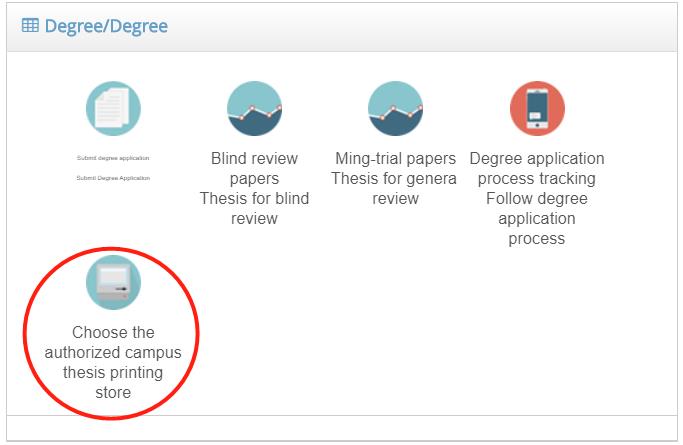
Step 2: Select 提交学位申请 (Submit a degree) and fill out the form.
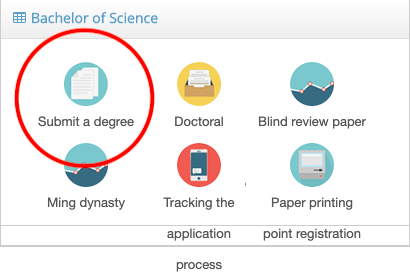
Note: The name of your secretary for the defense please ask from your Superviser

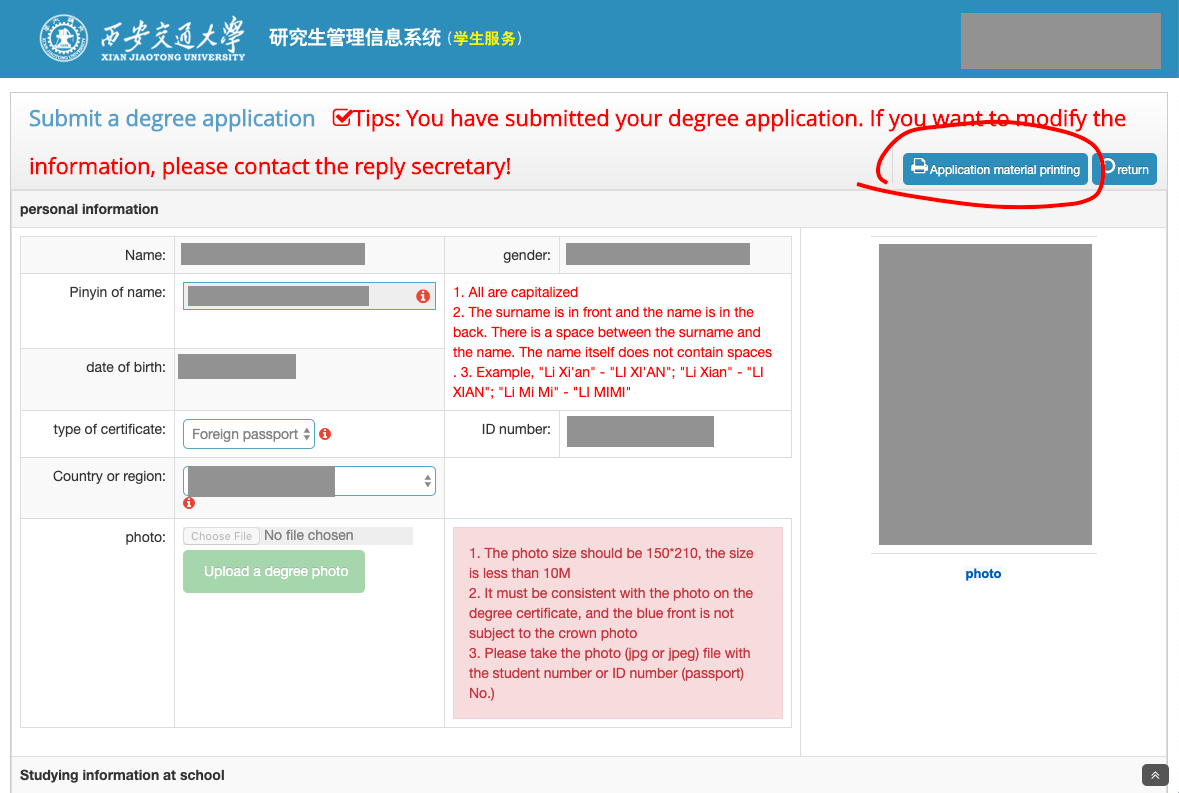
Step 3: Click print application materials.
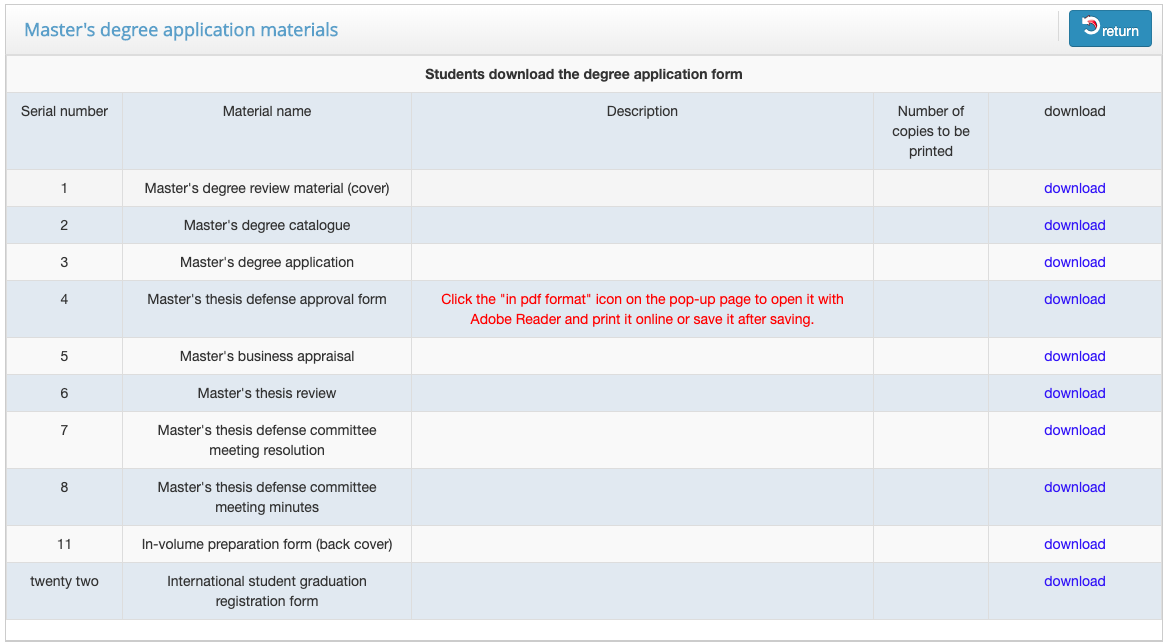
Step 4: Download the forms.
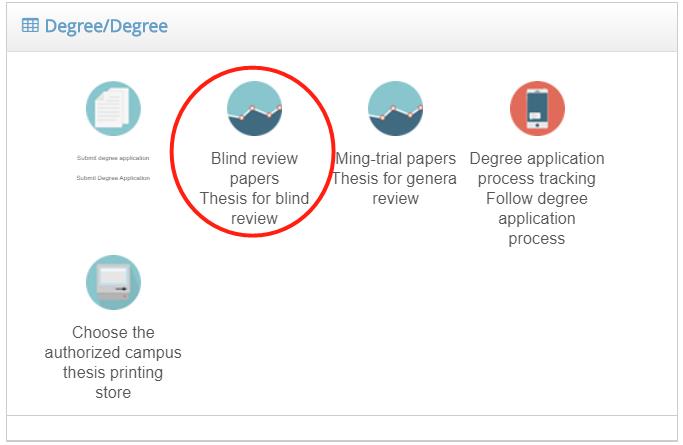
Step 5: Select Blind review paper and fill out the form.
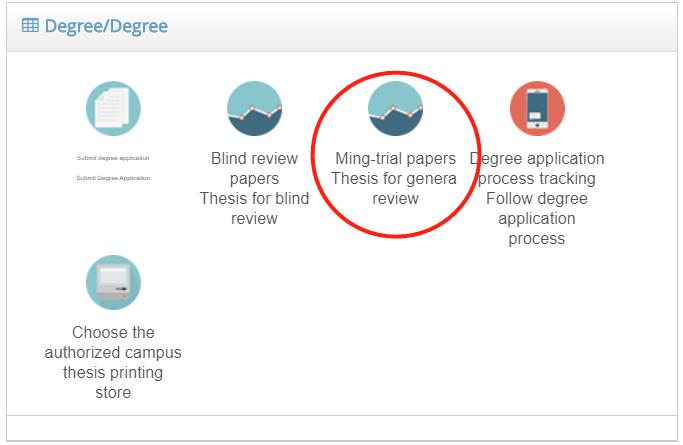
Step 6: Select Ming-trial papers and fill out the form.
Step 7: Submit your final thesis to two reviewers.
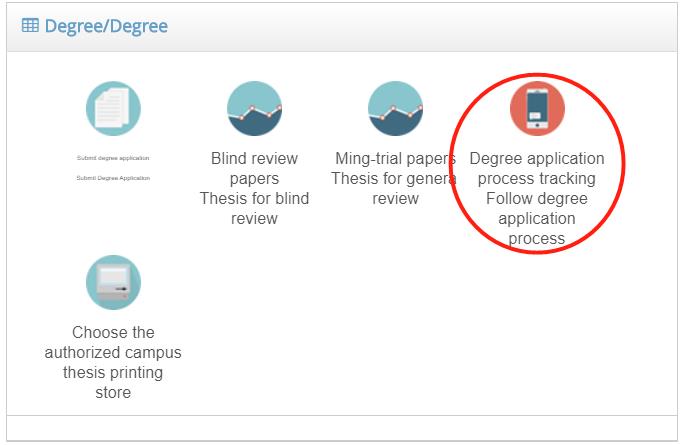
Step 8: Check your degree process at Degree application process tracking.
Step 9: After the thesis is approve to print from your Superviser. Select Choose the authorized campus for free printing.